How to prevent financial entries to prior or later periods

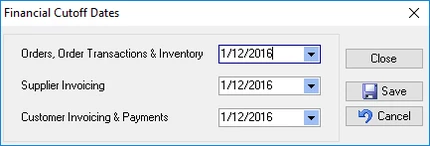
You can prevent financial entries prior to a user-specified date by going to File>Financial Configuration>Cutoff dates. There are three separate dates; each covering a specific area. These should be set each month in conjunction with the Cutoff Date in the accounting system as part of your monthly accounting process outlines in your company Standard Operating Procedure. This is important for the integrity of financial reporting and BAS/GST Returns. Note that the set date prevents all transactions prior to the date but not including it, eg to cutoff November set the date to be the 1st December.
- Order, Order Transactions, and Inventory
- Supplier Invoicing
- Customer Invoicing and Payments
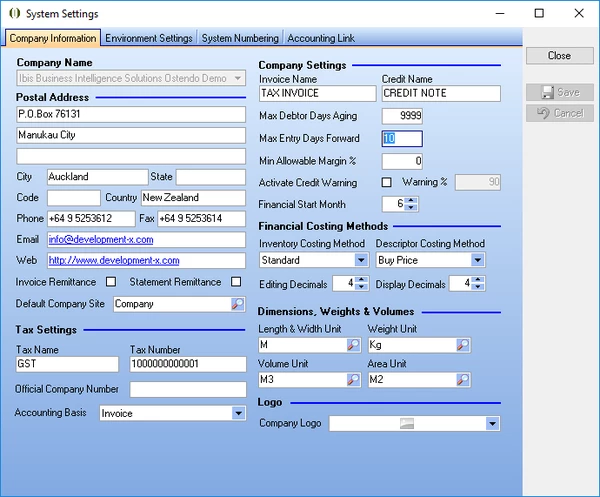
For financial entries relating to future dates go to File>System Configuration>System Settings and enter a single value representing the Max Entry Days Forward allowed. The default is 10 days.